Eo-patches Failed ID Error In Land Cover Classification with eo-learn Script

  • April 26, 2024
  • 4 replies
  • 305 views

Hello, I am new to the sentinel hub and working on Land Cover Classification with eo-learn script. I am facing this error for quite a while tried to resolve this but was unable to.
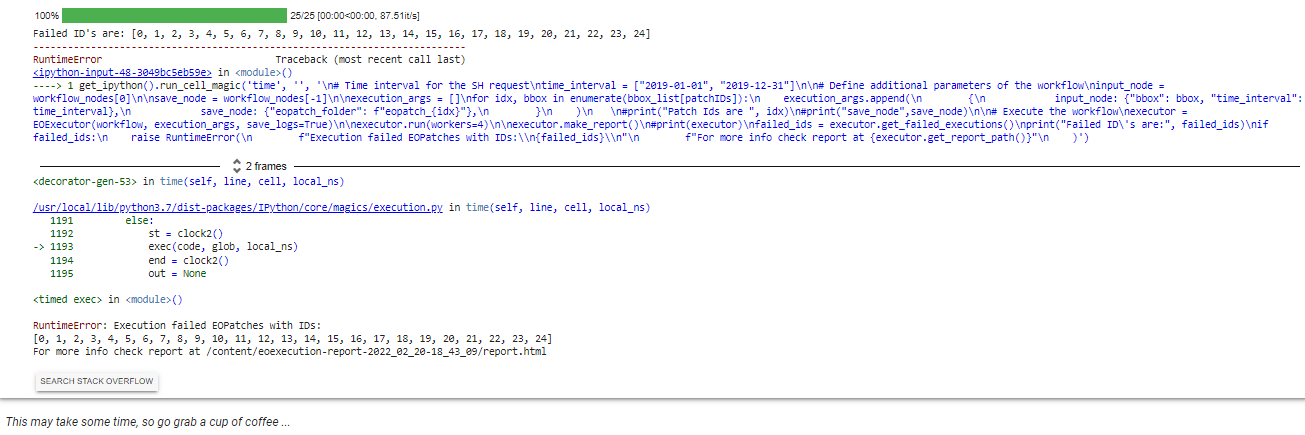
When I run this part of code I got this Execution failed EOPatches with IDs:
[0, 1, 2, 3, 4, 5, 6, 7, 8, 9, 10, 1972, 12, 13, 14, 15, 16, 17, 18, 19, 20, 21, 22, 23, 24]
Please help me resolve this.
Thanks
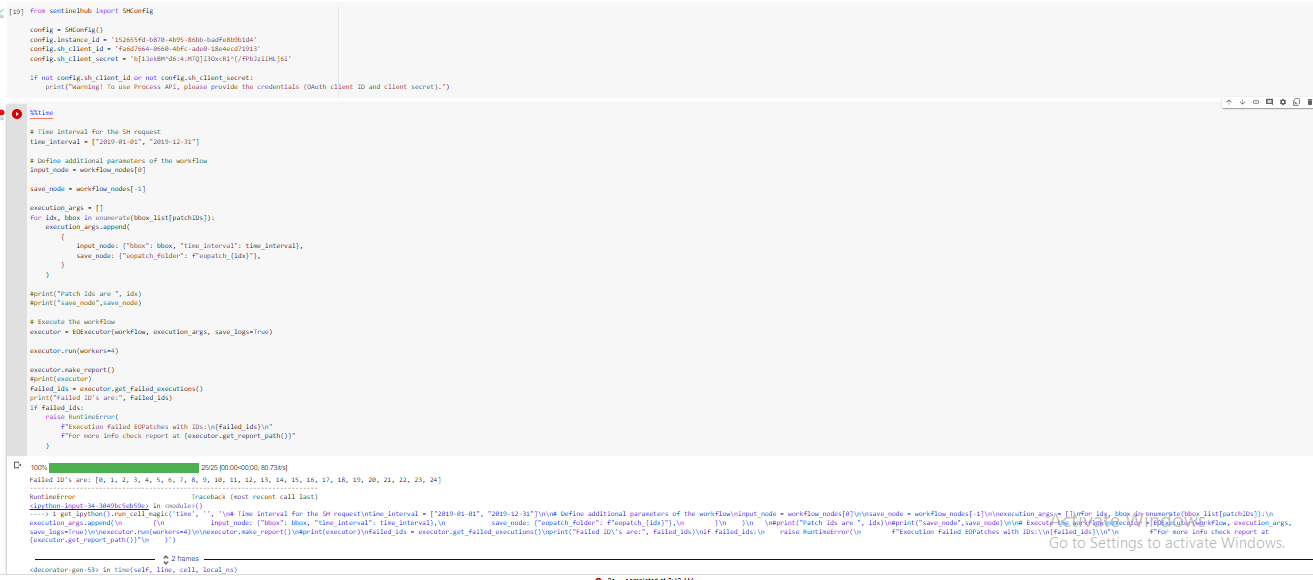
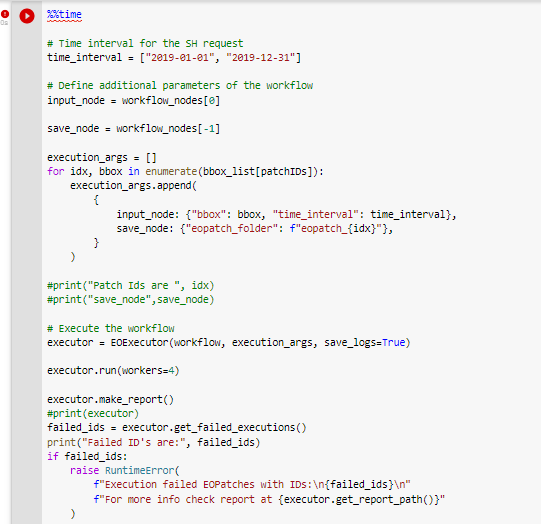
Here is the screenshot of the code:
Screenshot of the error while executing the above cell:
4 replies

Hello,
Thanks for your reply.
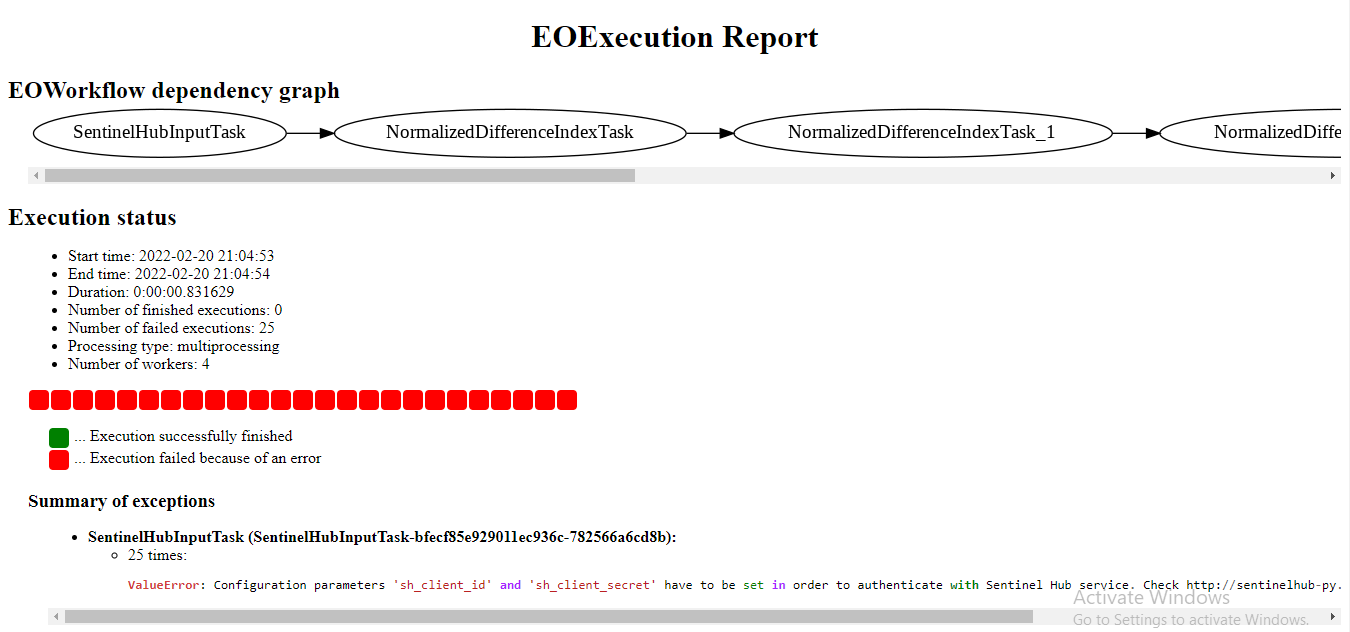
Here is the screenshot of the report.

In this report, it shows this error ValueError("Configuration parameters ‘sh_client_id’ and ‘sh_client_secret’ have to be set in order "
ValueError: Configuration parameters ‘sh_client_id’ and ‘sh_client_secret’ have to be set in order to authenticate with Sentinel Hub service. Check Configuration — Sentinel Hub 3.9.0 documentation for more info.
The thing is I did configuration but still getting the same error.


Hi,

We’d need more information to offer you more help. Could you check the report (as the error message suggests, the html file in /content/eo execution-report-…) and paste it here?

Best


Hey, thanks for the help.
I noticed my mistake I was using expired config credentials. I did create a new one and it’s working fine now.
Thanks again…


Few follow-up questions:

  • Is the cell where you set the config in the same notebook as the cell where you run the execution?
  • Do you pass your config to the input task?
SentinelHubInputTask(
   ...
   config=config,
   ...
)

You can also set up your SH using command line tools:

sentinelhub.config --instance_id "<instance id>" --sh_client_id "<client id>" --sh_client_secret "<client secret>"

You can then confirm that the config is correctly set by

config = SHConfig()
print(config)

If it is correct, your SH tasks should work without passing the config parameter to the task.