



We're excited to share that on May 5th, two new capabilities are landing in Planet Insights Platform: Visual Analysis, a redesigned browser-based imagery tool, and SuperRes PlanetScope Scenes, an AI-powered enhancement for PlanetScope data available directly within it.
Whether you're monitoring agricultural fields, tracking infrastructure changes, or mapping land cover, these tools are designed to help you get more out of your Planet data — faster and without leaving your browser.
Visual Analysis (Beta)
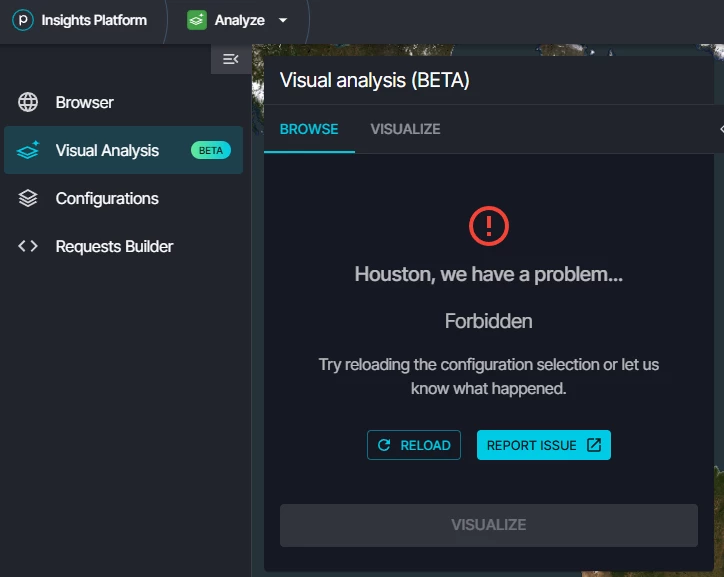
Visual Analysis is a new way to browse, visualize, and analyze your Planet data collections directly in the browser — no downloads or additional software required.
If you've used Browser before, you'll find a familiar foundation but with a streamlined, collection-first interface and new capabilities built in from the start. Visual Analysis is launching in beta and will eventually replace Browser as the primary imagery analysis tool in Planet Insights Platform.
What you can do:
- Browse your collections on a map — AOI footprint geometries appear as overlays so you can instantly see where your data lives
- Switch between visualization layers — True Color, False Color (NIR), NDVI, and more, all driven by your configurations
- Navigate acquisition dates — step forward and backward through available scenes, or set a timespan to view a mosaic of all scenes in a period
- Run statistical analysis — select a pixel or draw an AOI to generate a time series chart for any index layer (great for NDVI trends over a crop cycle or deforestation monitoring)
- Measure on the map — quickly measure distances and areas directly in the interface
Take the Introduction to the Visual Analysis Application course on Planet University to learn more!
SuperRes PlanetScope Scenes — See More in Your PlanetScope Data
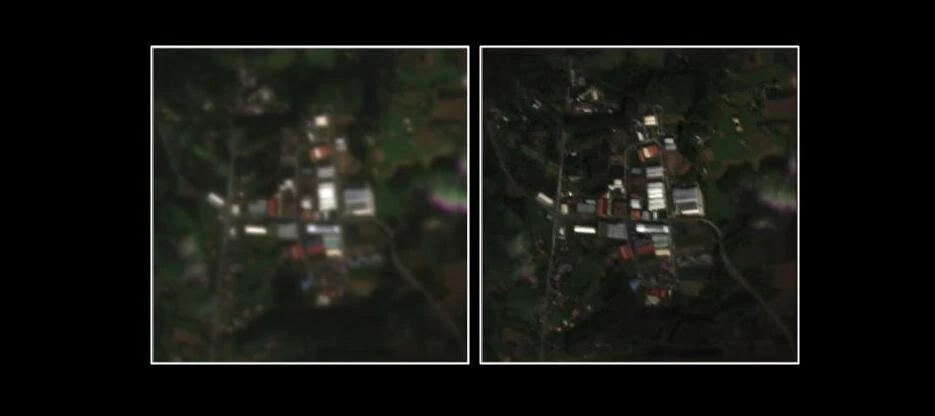
Also launching inside Visual Analysis: SuperRes PlanetScope Scenes, an AI-powered enhancement that increases visual detail in PlanetScope imagery beyond the native sensor resolution.
SuperRes works on PlanetScope data you've already ordered and delivered to a data collection — no reordering needed. If your collection is compatible (using ortho_analytic_4b_sr or ortho_analytic_4b assets), you'll see a SuperRes hint next to the collection name.
Applying SuperRes is straightforward:
- Select a compatible PlanetScope collection and visualize it on the map
- Draw an AOI between 0.5 and 10 km² using the map toolbar
- Click SuperRes under the AOI tool — processing runs automatically
- Use the toggle to switch the enhanced layer on and off to compare with the original
SuperRes also includes a Confidence Layer: a pixel-level overlay to help assess the degree of trust in the generated pixel by evaluating various sources of error. You can set a confidence threshold to hide low-confidence pixels and focus your analysis on the most trustworthy results.
For more details on the SuperRes model read the following articles on Planet Pulse: Planet SuperRes: A Technical Overview and SuperRes is Now Available to See the World More Clearly.
Take the Introduction to Planet SuperRes course on Planet University to learn more!
How to Get Started
You can access Visual Analysis from within Planet Insights Platform:
> Analyze > Visual Analysis (BETA)
You'll need an active Planet Insights Platform account with processing units. If you already have PlanetScope data ordered and delivered to a data collection, you're ready to go — your collections will appear automatically.
Full documentation is available here: Analyze Imagery in Visual Analysis.
For a deeper look at what's in this release, see our blog post: Planet SuperRes Is Now Available; See the World More Clearly.
SuperRes Mosaics are also available. Learn more about Planet SuperRes.
We Value Your Feedback
Visual Analysis is currently in beta, and your insights are crucial in helping us refine the experience. Once you’ve had a chance to explore the new tools, we’d love to hear from you:
- What workflows are you using it for?
- Are there features from Browser you'd like to see added?
- How does SuperRes perform on your data?
Drop your thoughts in this thread — we're reading everything and will be responding actively in the first few weeks after launch.