




Bulk Order Upload is now live in Tasking Dashboard!
Tasking Dashboard now supports bulk order upload for Flexible Tasking. Customers who need to task hundreds of locations at once can now create all their orders in a single upload, without entering each order by hand or switching to a separate tool.
How it works
Click “Create Order” in Tasking Dashboard and upload a CSV or geospatial file with your point locations. Tasking Dashboard will detect the columns in your file automatically, and you can confirm or adjust the mapping before you create orders.
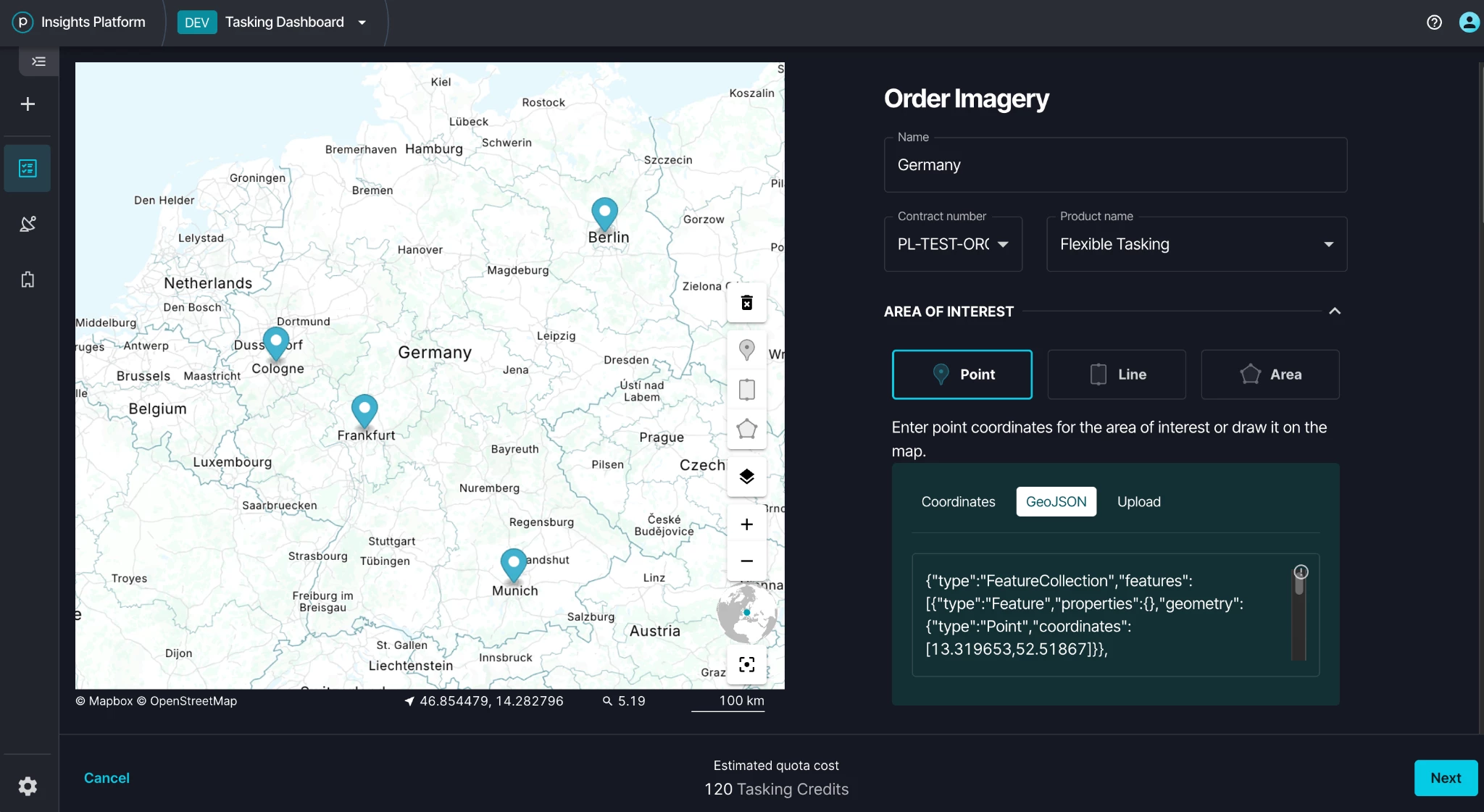
Each location becomes one order. Tasking Dashboard names each order from the name in your file. If a location has no name, a default order name is assigned.
You can review your orders before you submit to see how each location has been charged.
What's supported today
Bulk upload currently supports Flexible Tasking orders for point locations. Single order creation and Assured Tasking work the same as before. We plan to support polygons and Assured Tasking in the future. You can upload up to 400 locations at a time.
Getting started
Bulk upload is available from the “Create Order” button in your Tasking Dashboard.
Learn how to format your file and create orders in bulk in Planet Docs.
Need Help?
Our team is here to support you at Planet Support.
