




You can now choose how your captures are delivered directly in Tasking Dashboard settings. Previously this required a request to Planet support; you can now configure it yourself, and it applies to all your future orders.
Where
Settings → new Data tab. (The old General tab is now called Interface.)
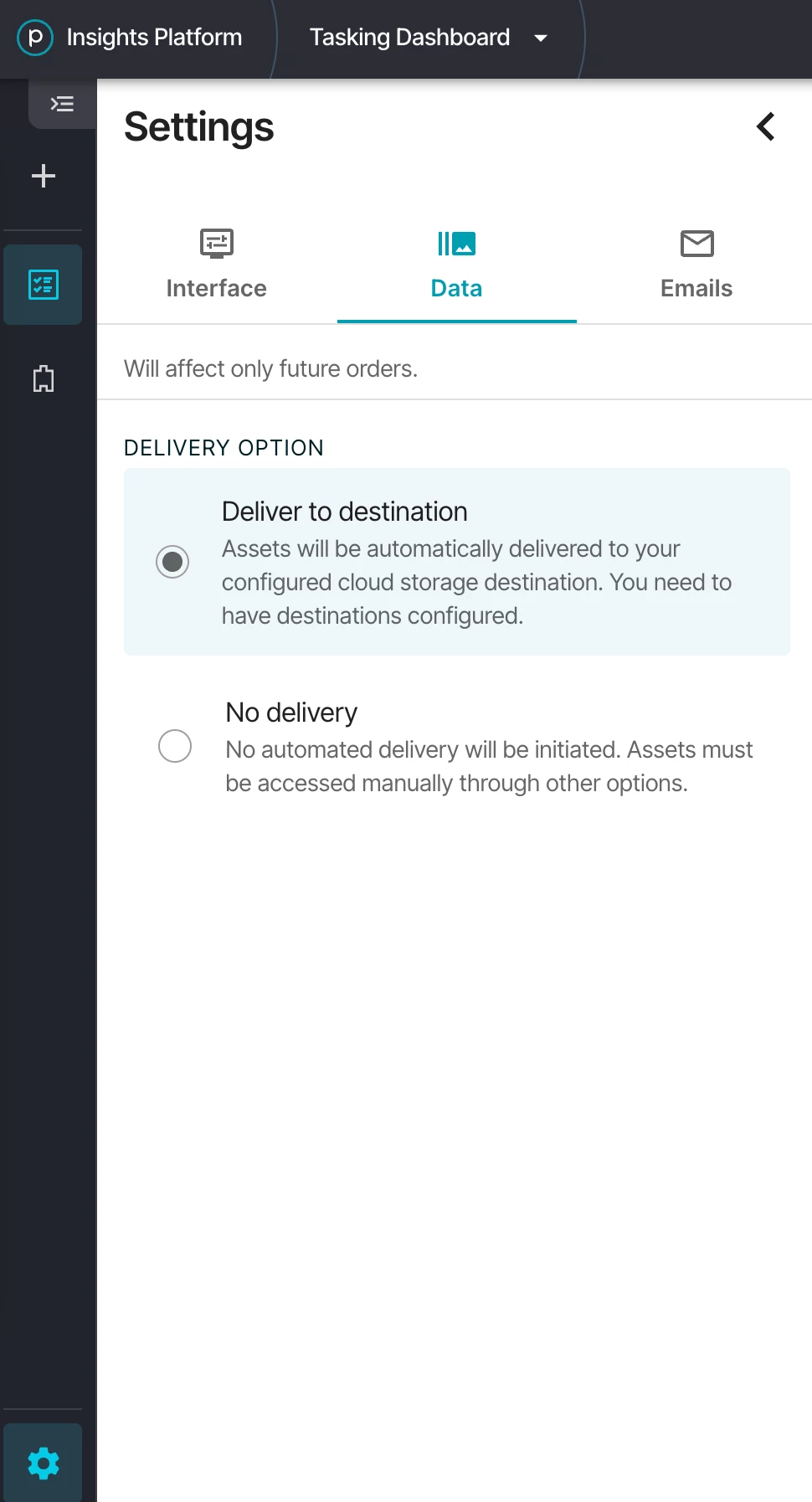
Options:
- Deliver to destination — assets are delivered automatically to your configured cloud storage destination
- No delivery — no automated delivery. You can access your assets manually using Insights Platform and order using Explorer/Orders API.
The setting is per user, not per organisation or contract — everyone configures their own preference. Changes apply to future orders only.
Set up your destination first at https://insights.planet.com/data/destinations. More on destinations on Planet Documentation
Read here how to create Tasking orders, and here for full guide on Automated Delivery