
Hi everyone,
I am currently working with PlanetScope Visual Basemaps, which are licensed under an educational license. According to the product data and specifications, the positioning accuracy is approximately 4.77 meters in high mountainous areas (Kuala Lumpur, Malaysia).
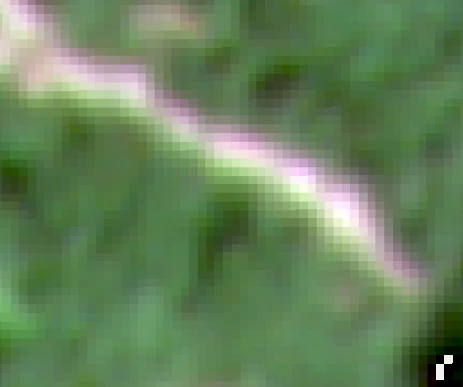
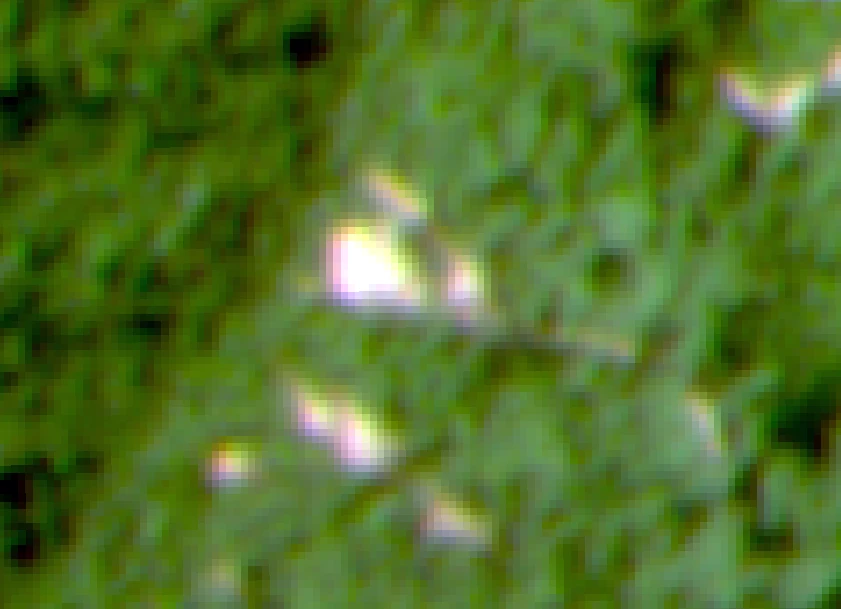
The Observation: In my area of interest (hilly terrain), I have observed a distinct color artifact along the boundaries of landslides (the interface between bare soil and vegetation).
-
One edge of the feature consistently shows a Red fringe.
-
The opposite edge shows a Green/Cyan fringe.
I am trying to determine if this is an inherent characteristic of the data in steep terrain or something that requires specific post-processing.
My Questions:
1. Solutions for Color Fringing: What is the recommended method to correct this specific Red/Green separation? If this is caused by band misalignment, is there a standard tool or Python workflow (e.g., using AROSICS or similar) to realign the RGB channels specifically for Visual Basemaps?
2. Visual Basemap Specifications: Are PlanetScope Visual Basemaps expected to be free of these band-to-band offsets, given the stated <5m accuracy? Or is this type of spectral separation considered "within spec" for this product level when observing high-relief areas?
3. Scientific Readiness & Pre-processing: For the purpose of a scientific peer-reviewed paper, is this data considered "Analysis Ready" as-is? Or is there a mandatory "Preliminary Processing" protocol (e.g., geometric correction, band splitting, co-registration) that researchers must perform to make this data valid for academic analysis?
Any guidance on the standard workflow for using Visual Basemaps in rigorous scientific projects would be appreciated.