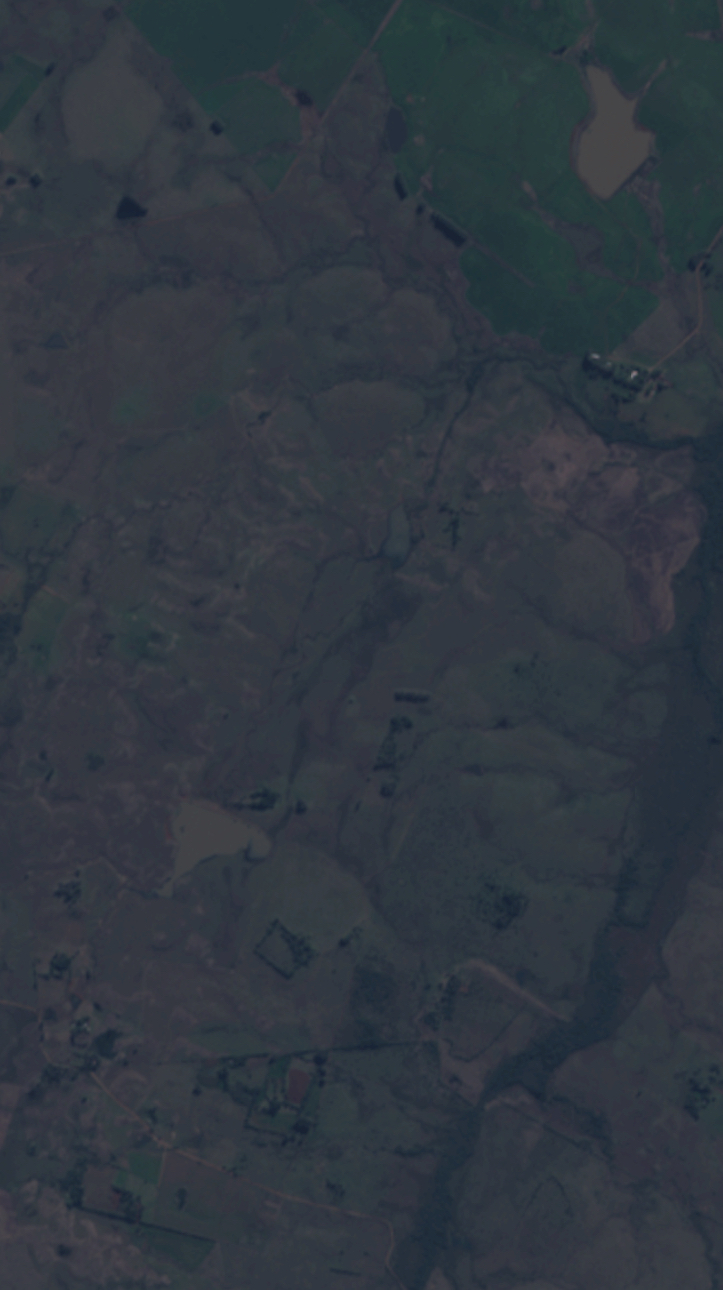
True color images too dark

  • April 26, 2024
  • 4 replies
  • 470 views

Is there some custom layer to get brighter true color images?

4 replies

Try stretch:

bfc727d44c99ead82ef587d1ccfbfed773a1a814.pngsentinel-hub.com
d3714e73b38a87afa3c31502a6696052a7395163.png

FAQ

Check our list of frequently asked questions and answers on Sentinel Hub services.

A bit more lengthy description on how to fine-tune colors:

360db83263e79cba7951e7ba15aa4495131aa0f1.pngMedium – 27 Oct 17
d520b717c52565ab0d7c0b2187f37d5580234dd1.png

Color Correction with JavaScript

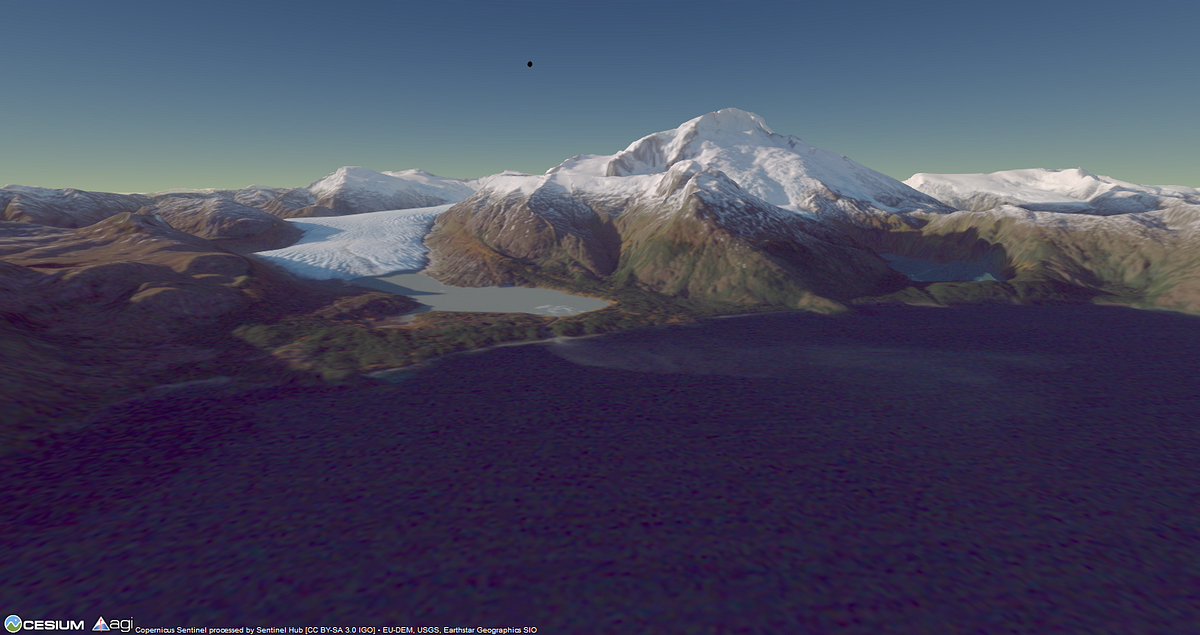
Poor Man’s Atmospheric Adjustment for a Pretty Glacier Picture

Reading time: 10 min read


Is there a script example for setting gain, gamma and RGB? Couldn’t find.


Hey everyone,

First off, big thanks to the author for bringing up this issue. Dealing with dark true color images can be frustrating, and I totally get where you’re coming from, ofgnxx…

I checked out the link you shared and found the script you mentioned. It’s awesome that you found the solution! I’m currently working on a project for Andersen and got this error. Gosh, I thought everything was gone, but I found your advice and it works.

Setting gain, gamma, and RGB can indeed make a huge difference in brightening up your true color images. I had a similar problem a while back and stumbled upon this script – what a game changer!

It’s a simple tweak, but it does wonders.

THANK YOU!