Hi all,
I searched a lot of documents on Sentinel-Hub about cloud detection and “removal”, but I didn’t find anything that talked about “detecting clouds” and coloring them in another color.
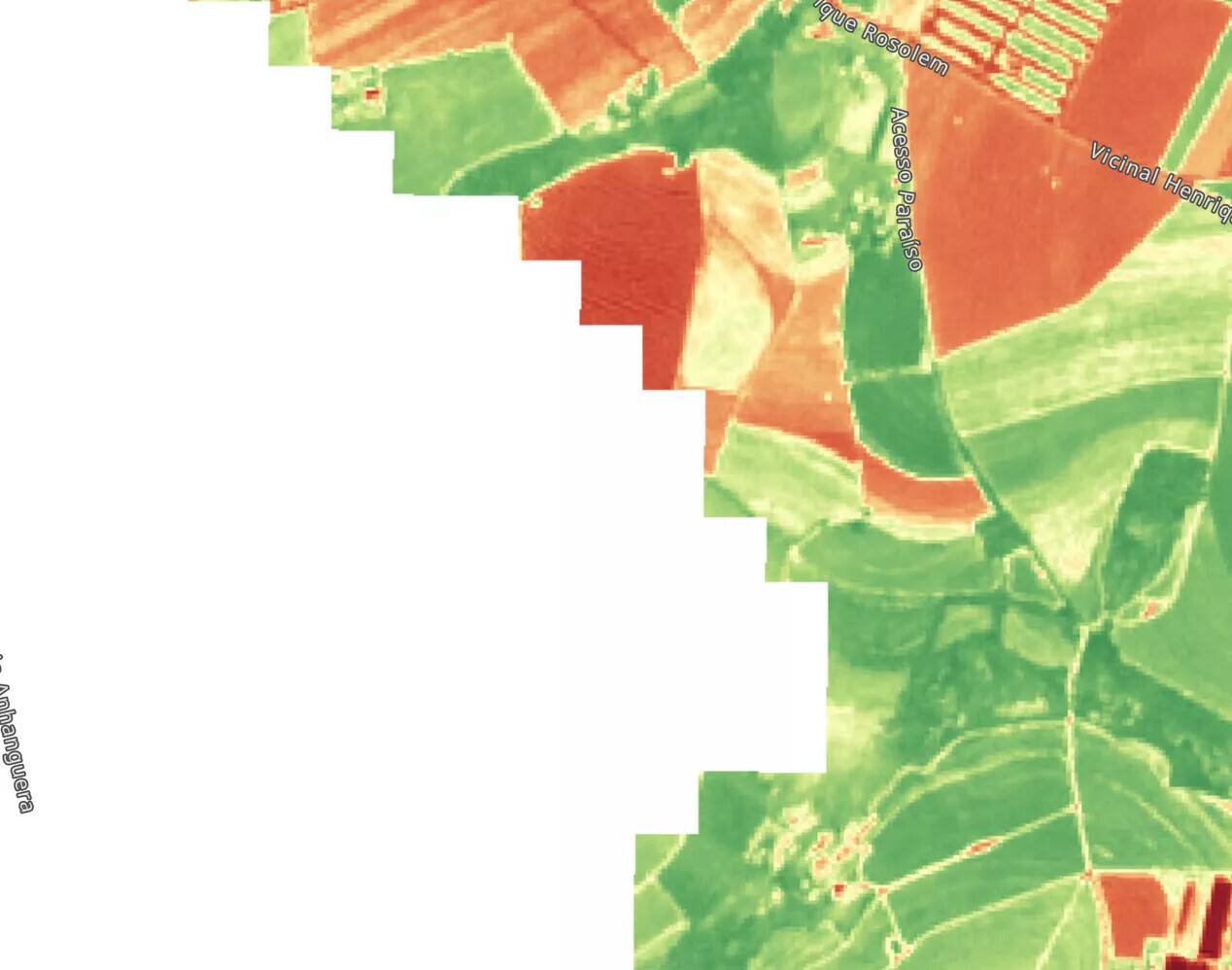
What I would like to do is generate an NDVI with Sentinel-2 and “detect” where there are clouds and paint it completely white, so that the user really knows that it is a cloud, since sometimes the cloud is confused with the NDVI and then to get there you need to look at the RGB (I want to remove this need).
I looked at an application called BoosterAgro and they do something similar, look at the images:
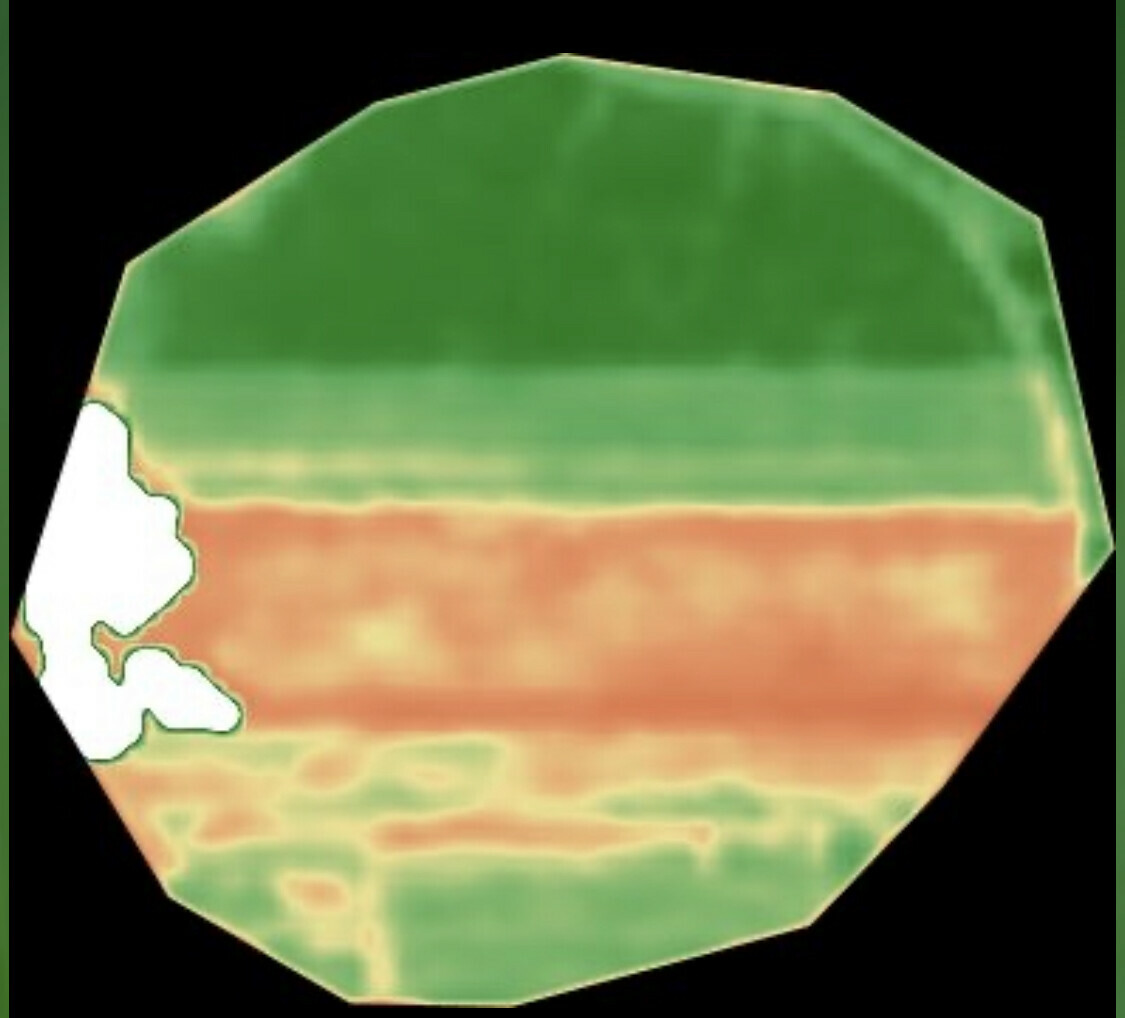
NDVI with detected clouds and “colored in white”
Any tips on how to do this via Custom Script?
Thank you very much